May 17, 2022
Drag and Drop on Your Timeline to Add and Remove Time
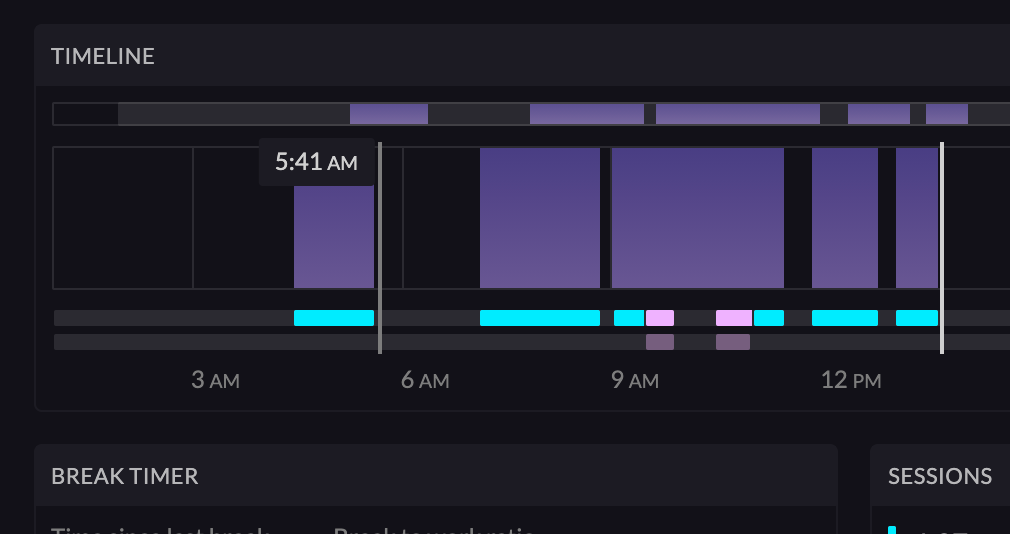
We just released huge improvement to adding and removing time from your timeline. Now you can simply drag and drop, and then select the option to add or remove time from your timeline.
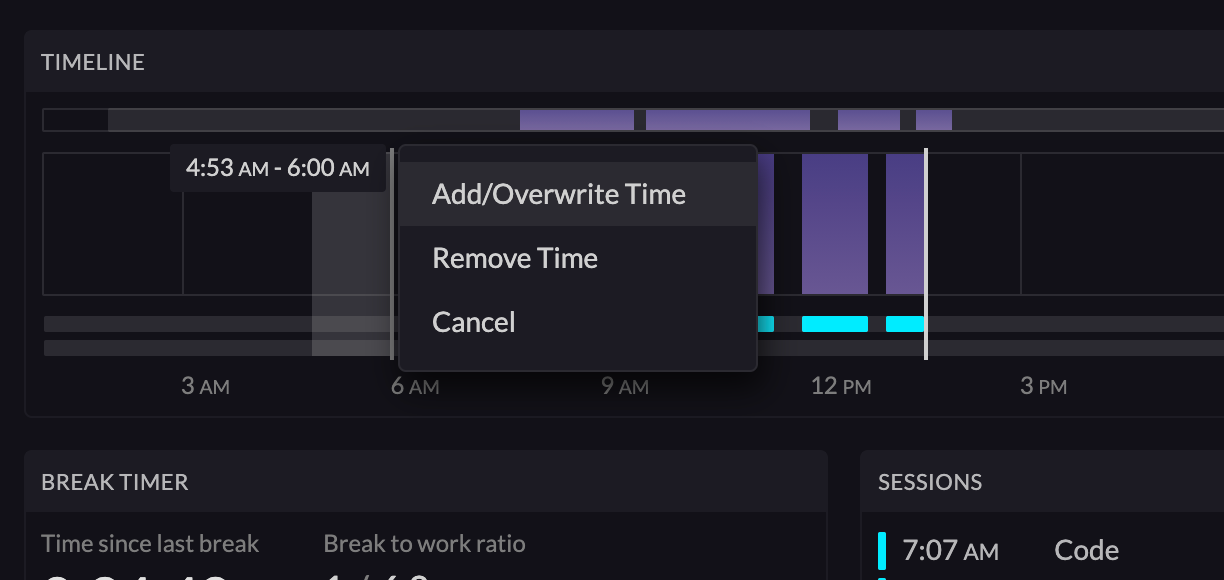
If you select "Add/Overwrite Time", you'll be prompted to select the category of the time you're adding.
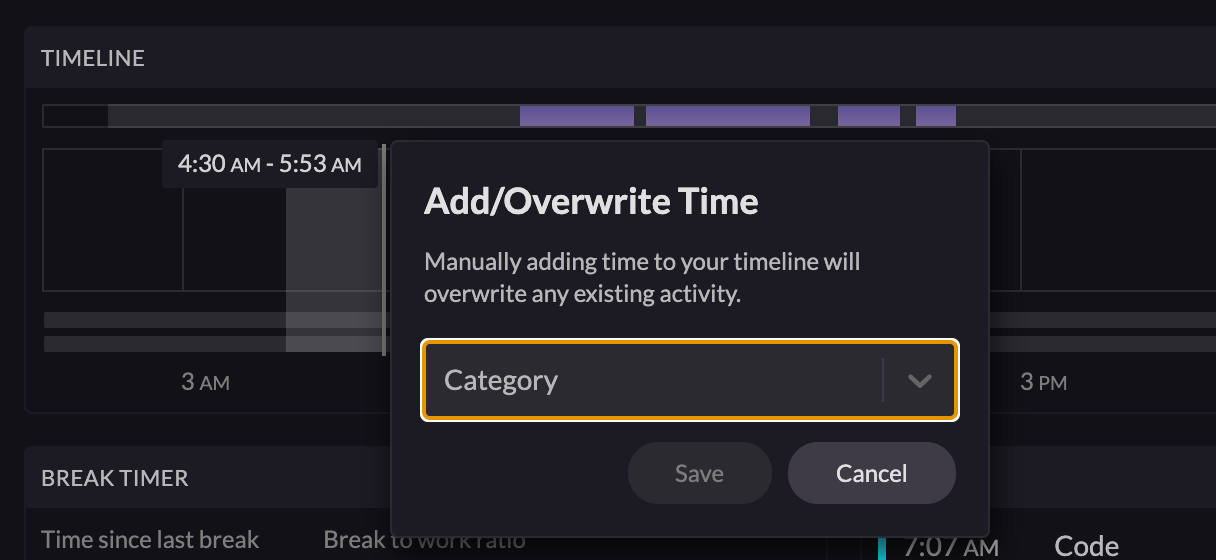
After selecting the time and hitting "Save", your timeline will update immediately. Any overlapping time and sessions will be overwritten.
If you select a focus category, a Focus Session will be created. If you select a meeting category such as "Video Conferencing", a Meeting Session will be created. If you select "Break" as the category, a Break Session will be created.